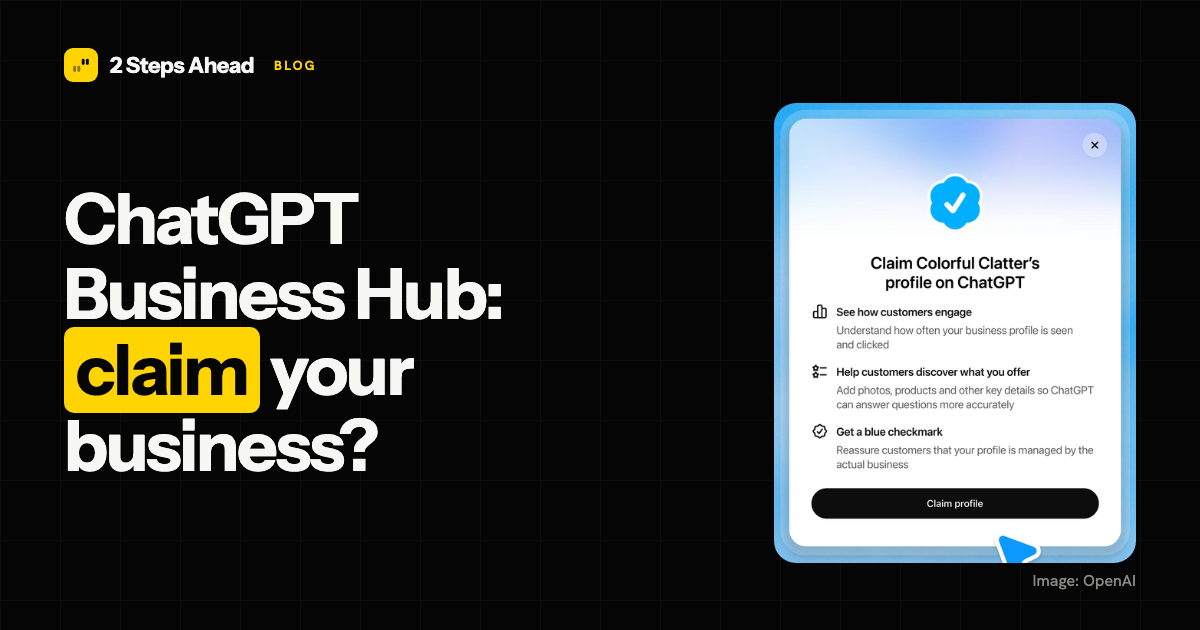
On 10 November 2026 OpenAI launched Businesses in ChatGPT, in beta. A business can now claim a profile through Business Hub, correct the details ChatGPT shows about it and see how often it is mentioned and clicked. We posted a short summary on LinkedIn; this is the longer version, with what is known, what is not, and what to do about it.
What Businesses in ChatGPT is
Think of it as a Google Business Profile for ChatGPT. According to OpenAI’s announcement, a business can claim its listing, manage its information and get insights on how people engage with it. Eligible businesses can also publish a Business Agent that answers customers’ questions in a clearly labelled conversation, separate from ChatGPT’s own answers.
OpenAI also states that it does not share people’s conversations or Business Agent chats with businesses. What you get is aggregated data.
Who can claim
The announcement and the guides that followed it do not fully agree, so read this as a snapshot of a beta:
| Type of business | What is reported |
|---|---|
| Online business with a website | Can claim a profile wherever ChatGPT is available |
| Local store or restaurant | Can claim an existing listing, United States only |
| Ecommerce or online service business in the US | Can claim a profile and apply for a Business Agent |
| Enterprise customer or ChatGPT advertiser | Claims go through an OpenAI representative |
| Multi-location brand | Each location is claimed separately |
Sources: Delta V Digital and Search Engine Watch. For the Netherlands, claiming currently puts you on a waiting list, as we noted in our LinkedIn post. Business Agents are US-only for now.
How claiming works
You must be the owner or an authorised representative. ChatGPT shows only the verification methods that apply to your business:
- Business phone: a code by text or automated call.
- Business email: a code sent to the address on file.
- Website domain: add a DNS TXT record, then verify.
- Shopify: connect the store and approve the permissions.
Publishing changes then requires an identity check, and OpenAI reviews changes before they go live. Expect days, not minutes.
What you can change
Through Business Hub you can edit the website, description, category, logo, cover photo and delivery and return policies, and add products through a feed (CSV or JSONL) or a synced Shopify catalogue. Teammates and agencies can be added with their own ChatGPT accounts.
What Insights shows
| Metric | What it counts |
|---|---|
| Mentions | For online businesses, the times ChatGPT referenced your website. A brand name without a link does not count |
| Profile views | How often your profile was viewed |
| Website clicks | Recorded clicks to your site. OpenAI says they do not confirm visits or conversions |
| Discovery topics | Common themes in conversations that cite your website |
Metrics appear only after activity passes a reporting threshold, so a blank value is not the same as zero.
This matters for measurement. Business Hub counts what ChatGPT does with your website, and only there. It says nothing about Claude, Gemini, Perplexity or Google AI, and it does not show whether you are named in answers that do not link to you.
Will claiming get you recommended more often?
Nothing in OpenAI’s announcement says so. It makes no claim about ranking or recommendations. The honest reading is that a claimed, accurate profile is one more source ChatGPT can use, and that is all. ChatGPT still decides who it recommends.
What decides that is mostly what it was before the launch:
- Technical access: can the AI crawlers read your site?
- Content: do your pages answer the questions buyers actually ask?
- Consistent data: the same name, description, prices and policies on your site, your profile and third-party pages.
- Mentions on other sites: the listicles, reviews and directories assistants cite. Our analysis of what ChatGPT cites shows how much weight those carry.
What to do now
- Claim the profile when it is available to you, and check that nobody else has claimed it.
- Check the details ChatGPT shows today against your website: name, category, policies, prices.
- Fix your own site first if the data disagrees. The profile and the website should say the same thing.
- Track visibility across engines, not in Business Hub alone. Count ChatGPT clicks by their UTM tag, and see why sessions alone can mislead.
- Treat it as a beta. Eligibility, regions and metrics are still moving.
Where 2 Steps Ahead fits
2 Steps Ahead is an AI search visibility (AEO/GEO) agency for B2B tech and software companies and for B2C brands, retailers and ecommerce. A Business Hub profile is one input among many. We measure which prompts name your brand, at what position and from which sources, across ChatGPT, Claude, Gemini, Perplexity and Copilot, against a baseline frozen before the work starts. See pricing or get in touch.
Frequently asked questions
What is Business Hub in ChatGPT? It is where a business claims its ChatGPT profile, edits its details, adds a product feed and reads Insights on mentions and website clicks. OpenAI launched it in beta on 10 November 2026.
Does claiming my business make ChatGPT recommend it more often? OpenAI does not say so. Treat the profile as a source ChatGPT can use, not as a way to be placed higher.
Can a Dutch business claim a profile? Online businesses can claim wherever ChatGPT is available, according to third-party guides. Local listings and Business Agents are US-only. In the Netherlands, claiming currently puts you on a waiting list.
What does Insights measure? Aggregated mentions, website clicks, profile views and discovery topics. A mention counts only when ChatGPT references your website.
Is claiming worth doing if it does not guarantee more visibility? Yes, when available. You can check that the information is correct and stop someone else claiming your profile. Visibility still depends on your website, consistent data and mentions elsewhere.